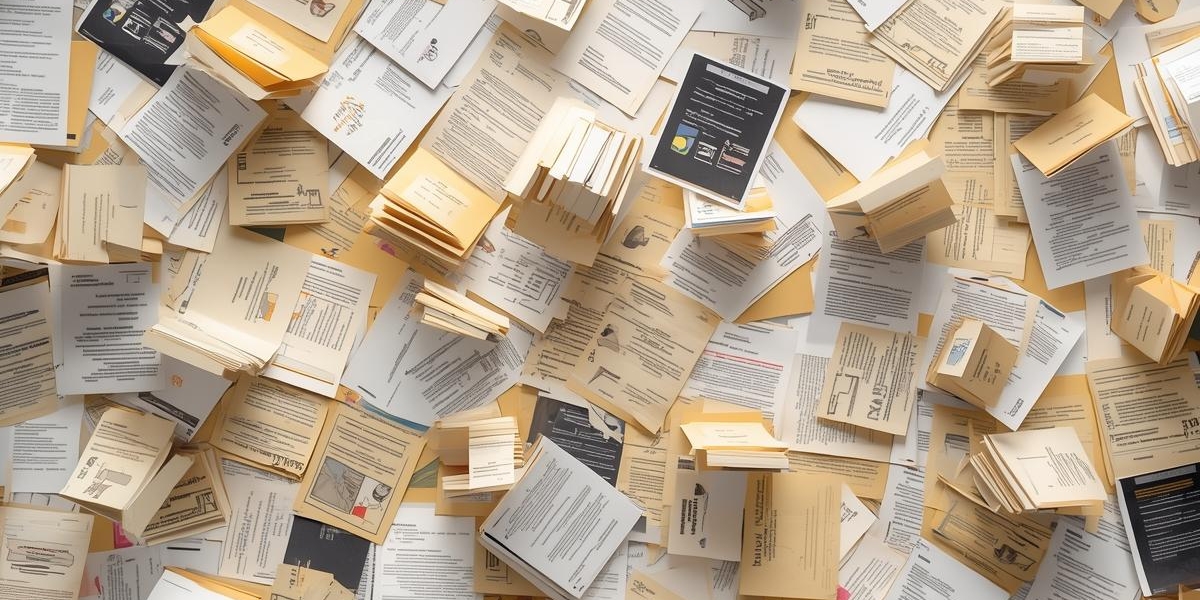
I had seventeen research papers saved for a project. All PDFs. All sitting in a folder labeled "to read" that I'd been ignoring for three weeks because who has time to sit down and read seventy pages of academic writing?
Then we added PDF support to OutloudAI.
I uploaded all seventeen PDFs to @OutloudAIBot over the course of ten minutes. By the end of the week, I'd listened to all of them during commutes and walks. The project that felt overwhelming suddenly became manageable because I could consume the research while doing other things.
What actually works now
As of today, you can send PDFs to OutloudAI and get audio back. Two ways to do it.
Send a PDF link: Paste any publicly accessible PDF URL. Academic papers from arXiv, company reports, Google Drive shares, anything with a direct PDF link. The bot downloads it, extracts the text, and converts it to audio.
Upload the file directly: Click the attachment icon in Telegram, choose your PDF, send it. Works with files up to 20MB and 50 pages. You get audio back within seconds to minutes depending on length.
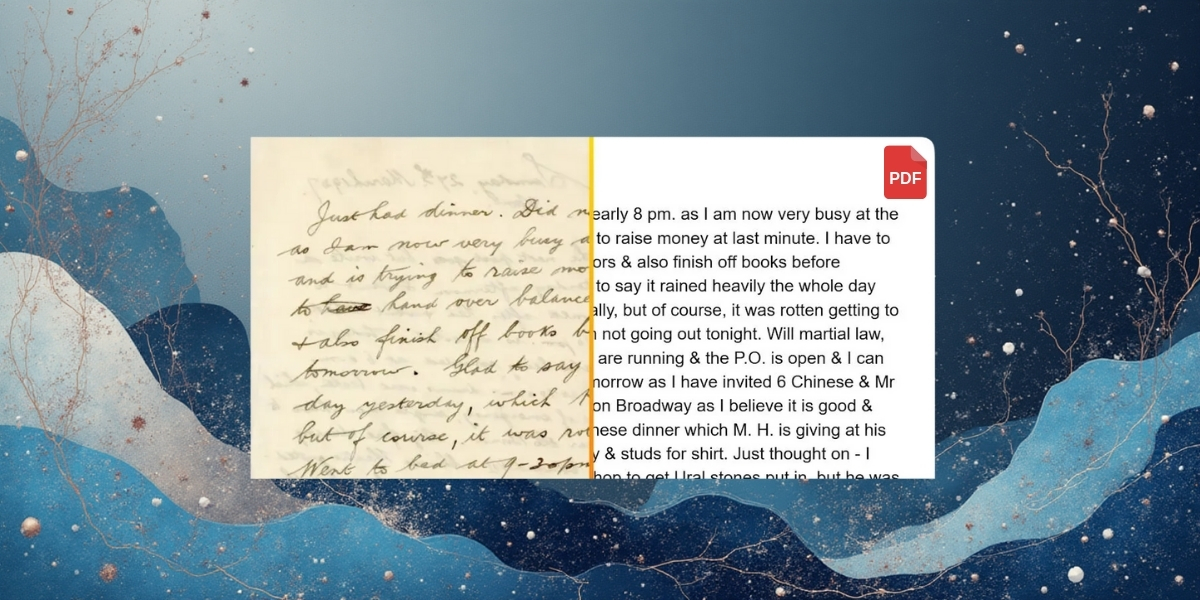
The extraction uses AI-powered OCR from state-of-the-art models, which means it handles more than just text-based PDFs. Scanned documents work. Image-based PDFs work. That paper someone photographed and saved as PDF? That works too.
Why this matters for researchers
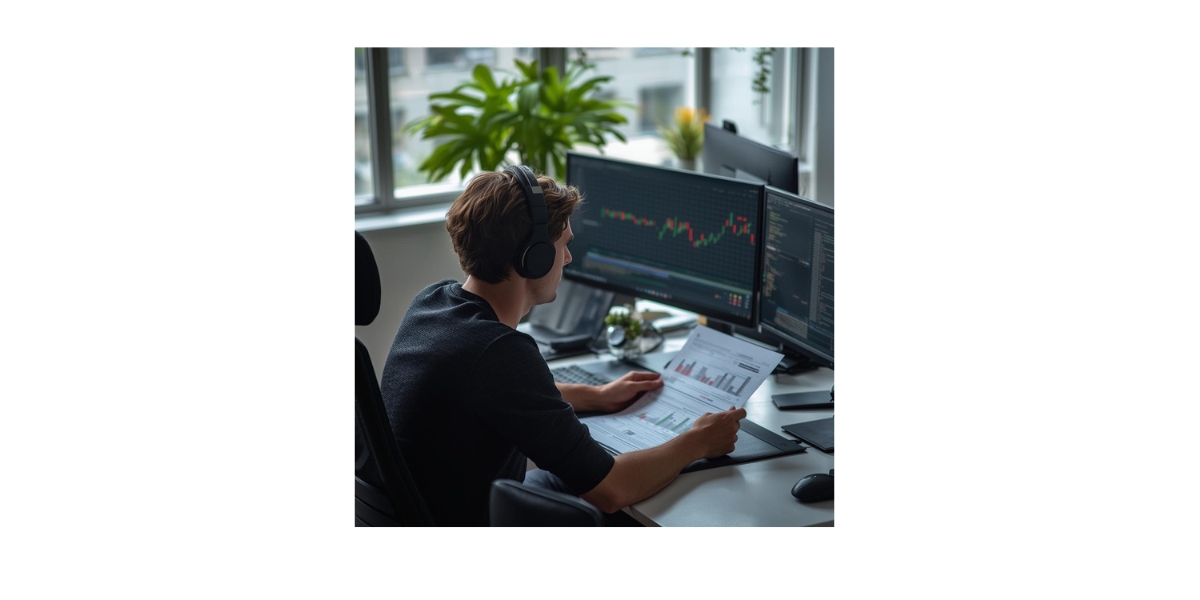
Academic papers are mostly PDFs. Journal articles, preprints, conference proceedings—all PDFs. If you're doing any kind of research, your reading list is probably a folder full of PDF files you downloaded with good intentions.
Reading them requires dedicated time at a desk. Listening to them happens during time you were already spending. Walking to campus. Commuting home. Doing dishes. Exercising.
I tested this with different types of papers. A 12-page psychology study converted cleanly—the audio captured the methodology, results, and discussion in a way that made sense while listening. A 30-page computer science paper with lots of equations and code worked surprisingly well—you miss the visual details, but you get the overall approach and findings.
The sweet spot is papers where you need the conceptual understanding more than the technical minutiae. First-pass reading to understand what the paper is about and whether you need to dig deeper. Audio handles that perfectly.
What it handles beyond research
PDFs show up everywhere, not just in academia.
Industry reports and whitepapers: Those 40-page analyses companies publish. Download the PDF, send it to OutloudAI, listen while commuting. You stay informed without blocking out work time.
Technical documentation: Product manuals, API docs, technical guides. If they're available as PDFs, you can convert them. Useful for learning a new tool or system without sitting at your computer.
Ebooks and long-form content: Sample chapters, free ebooks, long-form essays published as PDFs. Turn them into audio for consumption anywhere.
Scanned documents: This is where the AI OCR matters. Old papers, scanned articles, documents that exist as images—OutloudAI can read them. The text extraction is smart enough to handle complex layouts and multiple columns.
How the extraction actually works
The technical piece that makes this possible is state-of-the-art AI's OCR model. It doesn't just pull text from PDFs—it understands document structure.
Multi-column layouts like academic papers? It reads them in the right order. Tables and figures? It describes them or skips them appropriately depending on context. Complex formatting? It cleans it up for listening.
The output preserves enough structure that the audio makes sense. Section headings are clear. Paragraphs flow naturally. Citations get read in a way that doesn't derail the listening experience.
For text-based PDFs where the text is already selectable, extraction is nearly instant. For scanned documents or image-based PDFs, it takes a bit longer—maybe 30 seconds to a minute—but it works.
What people are using this for
We've been testing PDF support with a small group for a few weeks. Usage patterns are emerging.
Graduate students are processing literature reviews. They upload 10-15 papers at once, then listen during the week. By the time they sit down to write, they've consumed way more research than they would have through traditional reading.
Professionals are converting industry reports. Market analyses, competitor research, regulatory documents—all PDFs, all now listenable during commutes.
Developers are using it for technical documentation. Ruby on Rails guides, AWS whitepapers, product documentation. They listen to get the conceptual understanding, then reference the visual PDF when implementing.
Language learners are converting PDF textbooks and grammar guides. Listening reinforces concepts in a different way than reading.
The limitations to know about
PDFs work well, but there are constraints.
50-page maximum: Files longer than 50 pages won't process. This keeps processing time reasonable and prevents system overload. For longer documents, you'd need to split them.
20MB file size limit: Large PDFs with lots of images might exceed this. Compression usually helps.
Password-protected PDFs don't work: Encrypted files can't be processed. You'd need to unlock them first.
Highly visual content loses detail: PDFs that rely heavily on diagrams, charts, or images—you'll get descriptions but miss the visual information. Audio works best for text-heavy documents.
Equations and formulas are tricky: LaTeX equations sometimes get read awkwardly. You'll understand the concepts but might miss precise notation.
These aren't dealbreakers for most use cases. They're just boundaries to be aware of.
The workflow in practice
Here's what using this actually looks like.
Sunday evening, I'm planning my week. I have five papers to review for a project. I upload all five PDFs to @OutloudAIBot. Takes maybe three minutes total.
Monday morning commute: first paper. 40 minutes, perfectly fits my train ride. I understand the main argument and methodology.
Tuesday walk: second paper. Shorter one, 20 minutes. I'm halfway through my list.
By Friday, I've consumed all five papers without dedicating any specific "reading time" to them. When I sit down to work on the project, I already know what's relevant and what's not.
This doesn't replace close reading. If a paper is critical, I'll still sit down with the PDF and take notes. But for exposure and filtering—figuring out what deserves that deep engagement—audio works perfectly.
Getting started with PDFs
If you have PDFs you've been meaning to read, try this.
Open your chat with @OutloudAIBot. Either paste a PDF URL or upload a file. Wait for processing—anywhere from a few seconds to a minute. Get audio back.
Listen during your next commute, walk, or chore session. See if you actually process the content. If it works for that first PDF, you'll probably convert the rest of your reading list.
The combination of PDF support with the Chrome extension is particularly useful. Find a paper online, click the extension to send it, get audio in Telegram. The whole flow takes seconds.
PDFs were the most requested feature after we launched. Makes sense—so much important content only exists in PDF form. Now you can actually consume it without carving out reading time.
Try it with one document you've been avoiding. Upload it, listen to it, see what happens.